Hello, ditto!
Congratulations on completing the Olympic Games Challenge! Here is the badge that you can include on your profile to showcase your achievement:
<a href="https://i.postimg.cc/zfbKHqdP/Special-Olympic-Games.png">
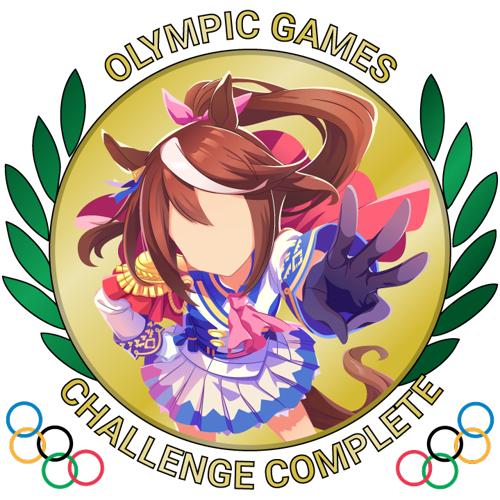
</a>
Along with the badge, you've also earned 6 points in our Challenge Rank system! As you earn points, you'll increase in rank and earn rewards as you do so. To see your points, rank, and an optimized display of all your challenge badges, use the search bar on our [Challenger Portal](https://awc.moe/) to find, and then click, on your AniList username. You can also check your points on our [Discord](https://discordapp.com/invite/fbp2YH8) using the `p!points` command in `#bot-commands`.
The rank rewards are currently in development, and we'll be excited to share information on these as we make progress.
Displaying Compact Badges in a Line:
- Calculate the width of every badge: (100 / amount of badges you want in a row ) - 1
- This number will be referred to as X
- Now go to settings and enter the following into the about section: `
</center>
<center>
imgX(image link provided by AWC staff)
</center>
`
-
You will insert the number of desired image links between the center tags.
-
For example, if you want to display 3 badges across, you would use the following formula: (100 /3)-1 = 32
-
The line of code would look like this: `
<center>

</center>
`
AWC Links and Information:
Master Post, Submission Thread 2.0, FAQ, Challenger Portal
Join our Discord to jump into this awesome community!